
Top 10 AI Video Models in 2026
Compare the best AI video models in 2026 for realism, audio, control, speed, open weights, and creator workflows.
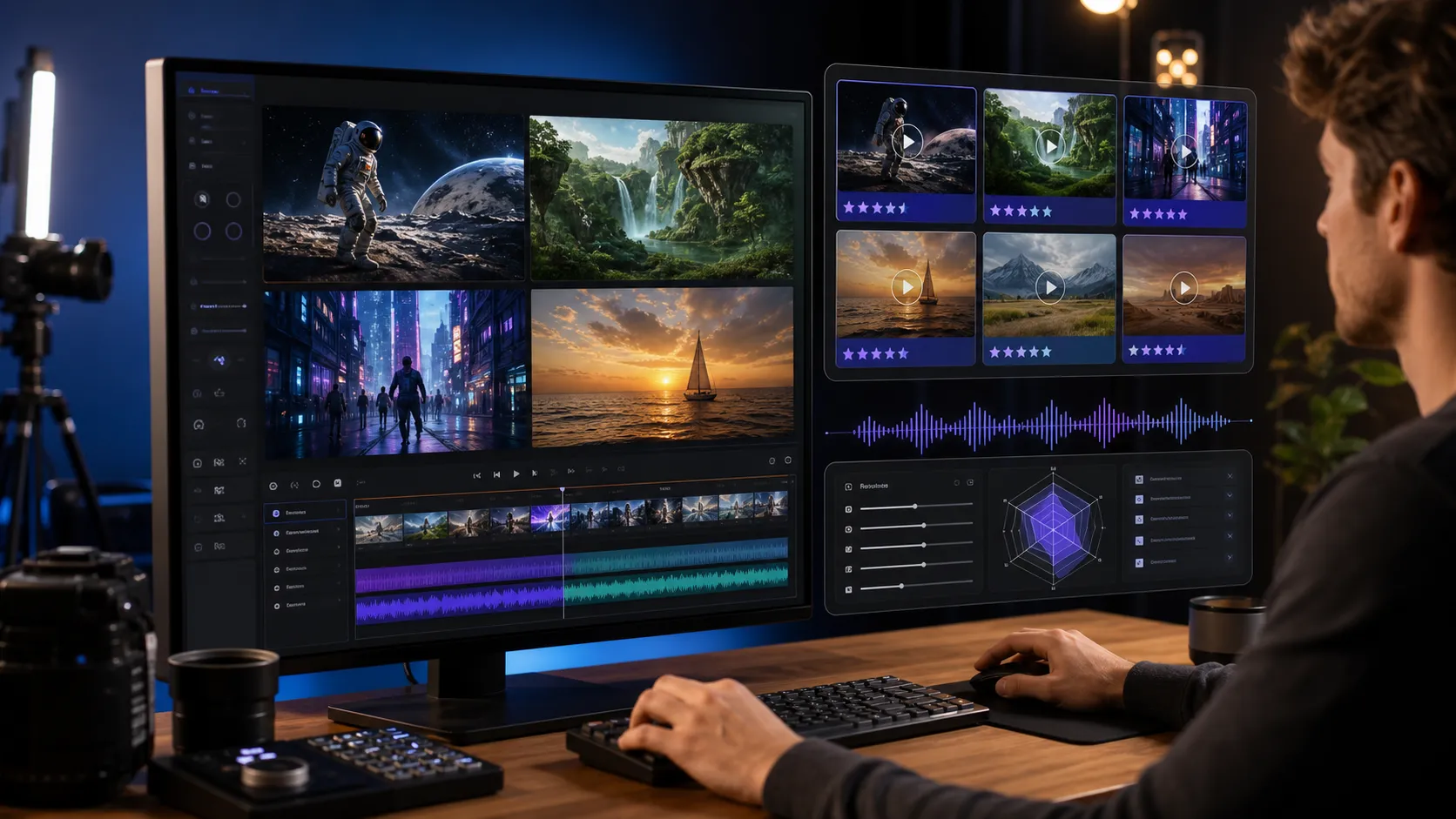
The top AI video models in 2026 are no longer just novelty tools for turning a prompt into a short clip. The leading models now compete on synchronized audio, camera control, prompt adherence, reference images, conversational editing, open weights, API access, and whether the output can survive a real creator workflow.
If you want a practical way to test cinematic prompts while you compare the market, start with the Veo 3 video generator. It is the most relevant FlowVeo3 workflow for prompt-driven AI video experiments, especially when you care about realism, audio direction, and repeatable creative testing.
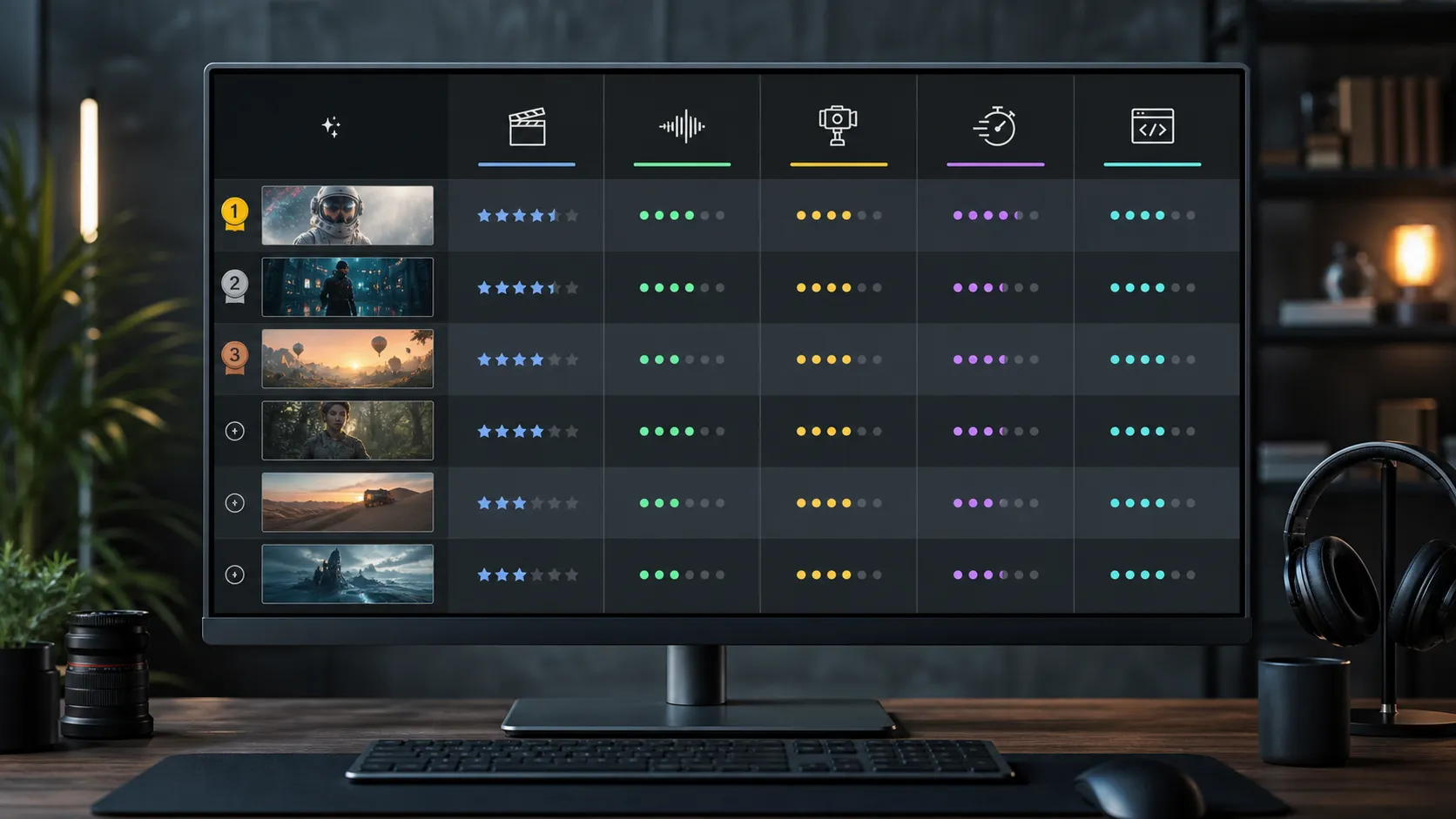
This ranking is an editorial guide, not an official universal leaderboard. We weighed public blind-vote leaderboards, official model documentation, availability, creator control, audio support, developer readiness, and usefulness for marketing, film, product, and social video workflows. Updated: June 2026.
How We Ranked the Models
AI video rankings change quickly, so a useful list needs more than raw benchmark position. A model can rank highly in a blind arena but still be awkward for production if access is limited, editing controls are weak, or the model is hard to integrate into a repeatable pipeline.
We used five practical criteria:
| Criterion | Why it matters |
|---|---|
| Output quality | Realism, motion coherence, prompt following, and visual stability |
| Audio | Native sound effects, ambience, dialogue, and lip-sync where available |
| Control | Camera moves, reference images, first/last frames, editing, and shot planning |
| Workflow fit | Whether creators can test, revise, export, and reuse clips efficiently |
| Availability | API access, product access, open weights, or clear public documentation |
1. Seedance 2.0
Best for: high-ranking multimodal audio-video generation and cinematic social clips.
Seedance 2.0 is the model to watch in 2026 because it has strong public leaderboard momentum and a modern multimodal design. ByteDance describes Seedance 2.0 as a unified audio-video generation model that accepts text, image, audio, and video inputs. That matters because creators increasingly need more than a single text box. They need references, sound, camera direction, and style control inside one workflow.
Artificial Analysis currently lists Dreamina Seedance 2.0 near the top of its text-to-video arena with audio, and Arena AI also places Dreamina Seedance 2.0 near the top of both text-to-video and image-to-video rankings. Treat the exact rank as a moving target, but the pattern is clear: Seedance 2.0 is one of the strongest models for broad creator use in 2026.
Choose Seedance 2.0 when you want an all-around model for polished clips, audio-aware scenes, and fast experimentation across reference-driven prompts.
2. Gemini Omni Flash
Best for: conversational video generation and editing from mixed inputs.
Gemini Omni Flash is Google's newest creator-facing video direction in 2026. Google positions Gemini Omni as a model that combines Gemini's reasoning with video creation, allowing users to generate and edit video from text, images, audio, and video. Google also says Gemini Omni Flash replaces Veo in the Gemini app, which makes it especially important for creators watching Google's media roadmap.
Its biggest advantage is workflow shape. Instead of generating one clip and starting over when something is wrong, Gemini Omni is designed around conversational editing. That is the direction AI video needs: change the lighting, replace an object, remix a clip, or continue shaping a scene without rebuilding the entire idea from scratch.
Choose Gemini Omni Flash when you want a flexible creative partner for iteration, remixing, and multimodal editing.
3. Kling 3.0 and Kling 3.0 Omni
Best for: strong short-form output, native audio modes, and reference consistency.
Kling remains one of the most competitive AI video model families in 2026. Kling's official 3.0 documentation lists native-audio and no-native-audio modes, with 1080p and 720p options. Kling 3.0 Omni adds stronger reference handling, including the ability to remember characters, items, and scenes across camera movement.
That makes Kling useful for social video, creator ads, stylized storytelling, and short scenes where motion quality matters. It also appears frequently in public ranking discussions, which reflects both quality and adoption.
Choose Kling 3.0 when you need reliable short clips, strong camera movement, native audio options, and reference-based continuity.
4. Veo 3.1
Best for: cinematic realism, native audio, and developer-ready Google API workflows.
Veo 3.1 remains one of the most important AI video models in 2026, especially for creators and developers who want a clearer technical path. Google describes Veo 3.1 in the Gemini API as a model for high-fidelity 8-second videos at 720p, 1080p, or 4K, with realistic motion and natively generated audio.
The practical strength of Veo 3.1 is reliability. Its official documentation, API access, image-to-video support, native audio, and cinematic control make it easier to build repeatable workflows. For teams working with product videos, ads, trailers, or brand clips, that matters more than raw novelty.
If output resolution is part of your decision, compare your prompts in a 1080p AI video generator workflow first, then move to a 4K AI video generator workflow when the prompt and scene direction are stable.
Choose Veo 3.1 when you need cinematic polish, native audio, strong documentation, and a production-minded workflow.
5. Runway Gen-4.5
Best for: creative control, film-style workflows, and production teams.
Runway Gen-4.5 is still a top-tier choice for creators who care about control. Runway describes Gen-4.5 as a state-of-the-art video model with strong motion quality, prompt adherence, visual fidelity, and creative control. The surrounding Runway ecosystem is also a major advantage: reference images, image-to-video, production workflows, and tools designed for filmmakers and creative teams.
Runway may not always sit at the top of every live leaderboard, but leaderboards do not capture the full value of a production interface. A slightly lower-ranked model with better shot controls can be more useful than a raw-quality winner that is hard to direct.
Choose Runway Gen-4.5 when you need practical shot control, creative iteration, and a mature film-oriented workspace.
6. Luma Ray3.2 and Ray3.14
Best for: professional finishing, HDR workflows, and high-end visual direction.
Luma's Ray family deserves a high place because it is aimed at professional creative control rather than only quick generation. Luma describes Ray3 as a reasoning video model with native HDR output and 16-bit EXR export for pro workflows. Ray3.14 added native 1080p generation with faster and cheaper generation, while Luma's newer Ray3.2 messaging emphasizes richer control, continuity, and cinematic direction.
For most social clips, HDR and EXR export may not matter. For studios, agencies, and filmmakers, they matter a lot. Ray is especially interesting when the final clip needs to pass through color grading, compositing, or a more traditional post-production pipeline.
Choose Luma Ray when finishing quality, HDR, and professional color workflows matter more than speed alone.
7. Sora 2 Pro
Best for: legacy OpenAI video quality and synced audio while API access remains relevant.
Sora 2 was a major 2025 milestone because OpenAI positioned it as a video and audio generation model with improved physics, realism, steerability, and synchronized audio. The important 2026 caveat is availability. OpenAI's help documentation says the Sora web and app experiences were discontinued on April 26, 2026, and the Sora API is scheduled to be discontinued on September 24, 2026.
That means Sora 2 Pro still belongs in a 2026 model ranking for historical and technical reasons, but it is not the safest long-term workflow choice. If you already have access, it can still be useful for experiments. If you are building a new creator pipeline, plan around models with clearer ongoing availability.
Choose Sora 2 Pro only when you already have access and understand the discontinuation timeline.
8. LTX-2.3
Best for: open-weight audio-video workflows and local experimentation.
LTX-2.3 is one of the most important open-weight options in 2026. Lightricks describes LTX-2 as a DiT-based audio-video foundation model with synchronized audio and video, performance modes, API access, and open access. The LTX-2.3 release improves detail, audio, motion, native portrait generation, and longer clip workflows.
Open-weight video models matter because not every team wants a closed API. Researchers, technical artists, and local workflow builders need models they can inspect, adapt, and run closer to their own pipeline. LTX is not always the easiest path for a casual creator, but it is one of the most useful choices for technical teams.
Choose LTX-2.3 when open access, local workflows, and customization matter.
9. PixVerse V6
Best for: accessible creator workflows, camera controls, and native-audio clips.
PixVerse V6 is a strong creator-platform model for people who want fast, directed, shareable video. PixVerse's 2026 V6 announcement highlights camera control, character performance, multi-shot video generation, and native audio. That combination makes it relevant for ads, social content, product clips, and stylized scenes that need quick iteration.
PixVerse is especially worth testing when you want a guided creator experience rather than a developer-first API workflow. It may not be the model you choose for the most demanding film pipeline, but it can be very practical for day-to-day content production.
Choose PixVerse V6 when speed, usability, camera controls, and social-ready output are the priority.
10. MiniMax Hailuo 2.3
Best for: character motion, expressive details, and practical text-to-video APIs.
MiniMax Hailuo 2.3 rounds out the list because it is a capable modern model with clear documentation and creator access. MiniMax says Hailuo 2.3 improves physical actions, stylization, character micro-expressions, and motion-command response. MiniMax API docs also list text-to-video, image-to-video, first-and-last-frame video, and subject-reference video modes.
Those capabilities make Hailuo useful for creator videos where expression and movement matter: character shots, fashion clips, product showcases, stylized ads, and short narrative beats.
Choose Hailuo 2.3 when you want a practical text-to-video or image-to-video model with strong character and motion handling.
Quick Comparison Table
| Rank | Model | Best fit | Key caveat |
|---|---|---|---|
| 1 | Seedance 2.0 | All-around audio-video creation | Availability varies by platform |
| 2 | Gemini Omni Flash | Conversational editing and remixing | New model, workflow still evolving |
| 3 | Kling 3.0 | Short-form creator videos | Quality depends on mode and prompt |
| 4 | Veo 3.1 | Cinematic, API-ready clips | Official API clips are short |
| 5 | Runway Gen-4.5 | Film-style control | Interface value matters as much as model rank |
| 6 | Luma Ray | HDR and professional finishing | More specialized than casual generators |
| 7 | Sora 2 Pro | Synced audio experiments | OpenAI has announced discontinuation timelines |
| 8 | LTX-2.3 | Open-weight workflows | More technical setup |
| 9 | PixVerse V6 | Fast social and ad creation | Less suited to deep custom pipelines |
| 10 | Hailuo 2.3 | Character motion and practical APIs | Less dominant in public leaderboards |
Which AI Video Model Should You Use?
Use Seedance 2.0 or Gemini Omni Flash if you want the strongest 2026 momentum and broad multimodal creation. Use Veo 3.1 if you want cinematic realism, native audio, and a clearer Google developer path. Use Kling 3.0 if short-form output and reference consistency matter. Use Runway Gen-4.5 if your work needs a production-style interface and precise creative control.
Use Luma Ray if you care about HDR, finishing, and pro post-production. Use LTX-2.3 if you need open weights or local experimentation. Use PixVerse V6 or Hailuo 2.3 when you need practical, creator-friendly generation for social clips, ads, or character-driven scenes.
For most creators, the best workflow is not choosing one model forever. It is building a small prompt test set and running the same ideas across several models. Test one product scene, one human motion scene, one stylized animation, one dialogue/audio scene, and one reference-image scene. Then compare outputs by motion, faces, objects, camera logic, sound, and how much editing is needed before publishing.
Practical Prompt Test
Use a prompt like this to compare models fairly:
A cinematic product reveal for a matte black electric scooter in a rainy city at night. The camera starts on raindrops hitting the handlebar, slowly pulls back to reveal the full scooter, then tracks as the headlight turns on and reflects across wet pavement. Realistic lighting, smooth motion, premium commercial style, subtle city ambience.
Watch for five things:
- Does the product stay consistent?
- Does the camera move as requested?
- Are reflections and physics believable?
- Does the audio match the scene?
- Could you use the clip with minimal editing?
That test will tell you more than any static ranking. A model that wins on one prompt may lose on another, and the best model for a talking character may not be the best model for a product shot.
Final Recommendation
If you want the safest creator shortlist in June 2026, start with Seedance 2.0, Gemini Omni Flash, Kling 3.0, Veo 3.1, and Runway Gen-4.5. Those five cover the strongest mix of leaderboard momentum, multimodal creation, native audio, cinematic quality, and practical workflow control.
If you want a FlowVeo3-first testing path, start with the free AI video generator for quick experiments, then move your best prompt into the Veo 3 video generator. Keep a consistent test set, compare results honestly, and choose the model whose default output gets closest to your final use case.
FAQ
What is the best AI video model in 2026?
There is no single best model for every workflow. Seedance 2.0 and Gemini Omni Flash are among the strongest all-around picks in public 2026 rankings, while Veo 3.1, Kling 3.0, Runway Gen-4.5, and Luma Ray are better choices for specific production needs.
Is Veo 3.1 still worth using in 2026?
Yes. Veo 3.1 remains a strong choice for cinematic realism, native audio, and API-backed workflows. It is especially useful when you want a clear developer path and high-quality short clips.
Is Sora 2 still available?
OpenAI says the Sora web and app experiences were discontinued on April 26, 2026, and the API is scheduled to be discontinued on September 24, 2026. Treat Sora 2 as a legacy or limited-availability option rather than a long-term workflow foundation.
Which AI video model is best for open-source workflows?
LTX-2.3 is one of the strongest open-weight audio-video options in 2026. Wan video models are also important in the open ecosystem, but LTX-2.3 stands out in this ranking because of its audio-video focus and practical local workflow potential.
Which model should marketers test first?
Marketers should test Veo 3.1, Seedance 2.0, Kling 3.0, PixVerse V6, and Hailuo 2.3 with the same product or ad prompt. Choose the model that gives you the cleanest publishable result with the least editing.
Sources Reviewed
- Artificial Analysis Text to Video Leaderboard
- Arena AI Text-to-Video Leaderboard
- Arena AI Image-to-Video Leaderboard
- ByteDance Seedance 2.0 official overview
- Google Gemini Omni announcement
- Google DeepMind Gemini Omni Flash model card
- Google AI Developers: Generate videos with Veo 3.1
- Runway Gen-4.5 announcement
- Kling VIDEO 3.0 Model User Guide
- OpenAI Sora discontinuation help page
- LTX-2.3 official model page
- Luma Ray3.14 announcement
- PixVerse V6 announcement
- MiniMax Hailuo 2.3 announcement