
Gemini Omni Draft Prompt Guide for Better AI Videos
Learn how to turn a rough Gemini Omni draft prompt into a clear AI video prompt with scene, motion, timing, and reference-image control.
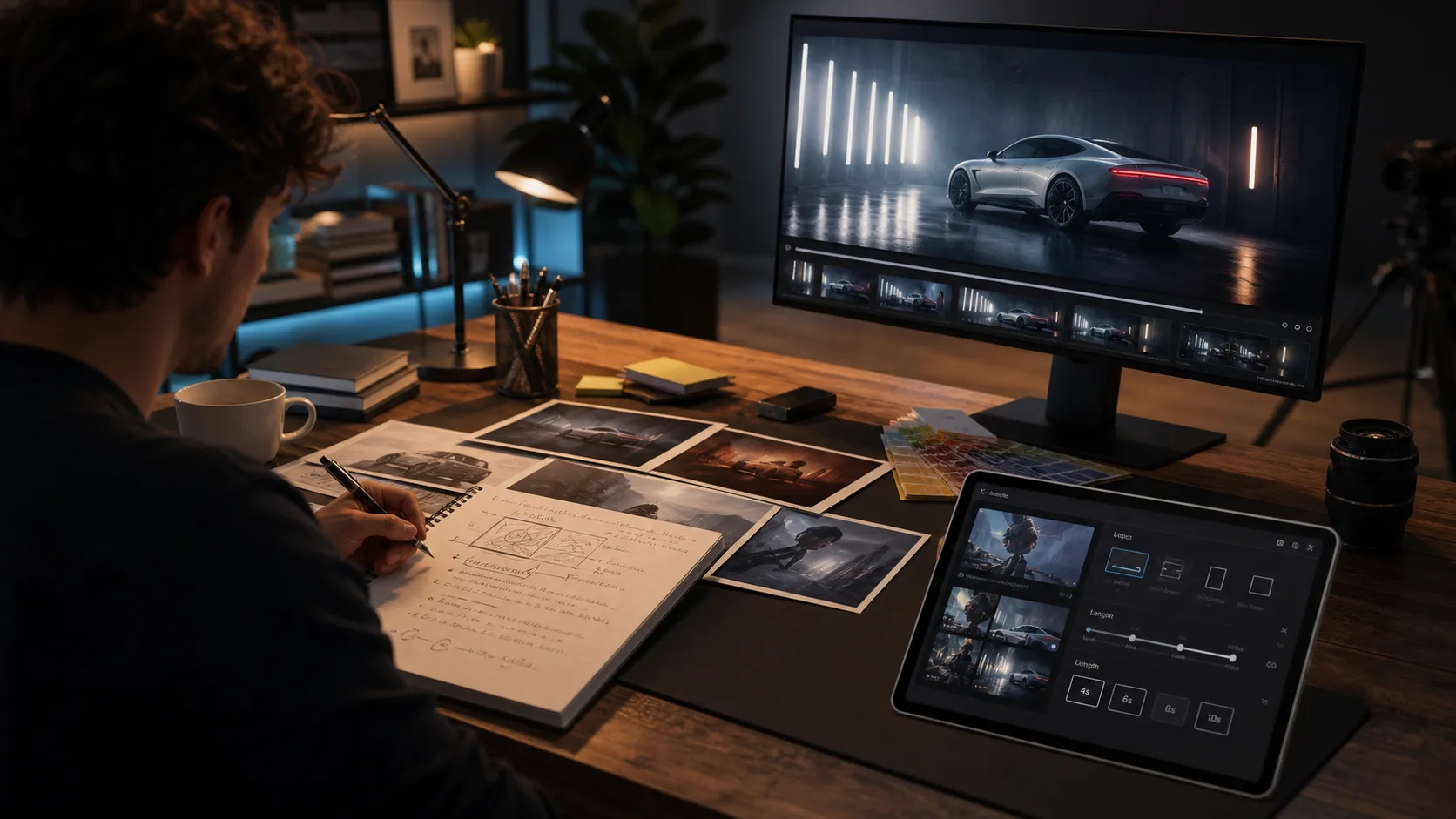
A strong Gemini Omni draft prompt is not a perfect sentence on the first try. It is a working brief that helps an AI video model understand the scene, the subject, the camera, the timing, and the visual goal before you spend credits on generation.
If you already have a rough idea, open the Gemini Omni Video Generator and treat the first prompt as a draft, not a final command. The tool is designed for text-to-video and image-guided video creation, with practical controls for duration, aspect ratio, and output resolution.
This guide shows how to turn a loose draft prompt into a clearer Gemini Omni Video prompt without overcomplicating the creative process.
What Is a Gemini Omni Draft Prompt?
A Gemini Omni draft prompt is the first version of your video idea. It might be as simple as:
A futuristic sneaker commercial in a rainy city.
That prompt is understandable, but it leaves too many decisions open. What does the sneaker look like? Where is the camera? Is the shot cinematic, social-first, documentary, or product-focused?
A better draft prompt gives the model enough direction to generate a coherent short clip:
A cinematic product reveal for a matte black futuristic sneaker on wet pavement in a neon-lit city alley. The camera starts close on raindrops hitting the sole, slowly pulls back to reveal the full sneaker, then tracks as blue light reflects across the material. Premium commercial style, realistic motion, shallow depth of field.
The second version is still a draft, but it defines the subject, setting, camera path, lighting, motion, and style. That is the difference between asking for an idea and directing a shot.
The Anatomy of a Good Draft Prompt
Use a simple structure when you write your first Gemini Omni draft prompt:
| Prompt part | What to write | Example |
|---|---|---|
| Subject | The main person, object, place, or product | a matte black electric bike |
| Action | What changes during the clip | the headlight turns on as rain falls |
| Camera | How the viewer sees the action | slow push-in, handheld follow, overhead reveal |
| Setting | Where the shot happens | glass bus stop at night |
| Style | Visual tone and production feel | premium commercial, realistic lighting |
| Timing | How much action fits the clip | one clean reveal over 8 seconds |
| Format | Where the video will be used | vertical social clip or widescreen hero video |
You do not need to make every prompt long. You need to make it specific enough that each phrase helps the video.
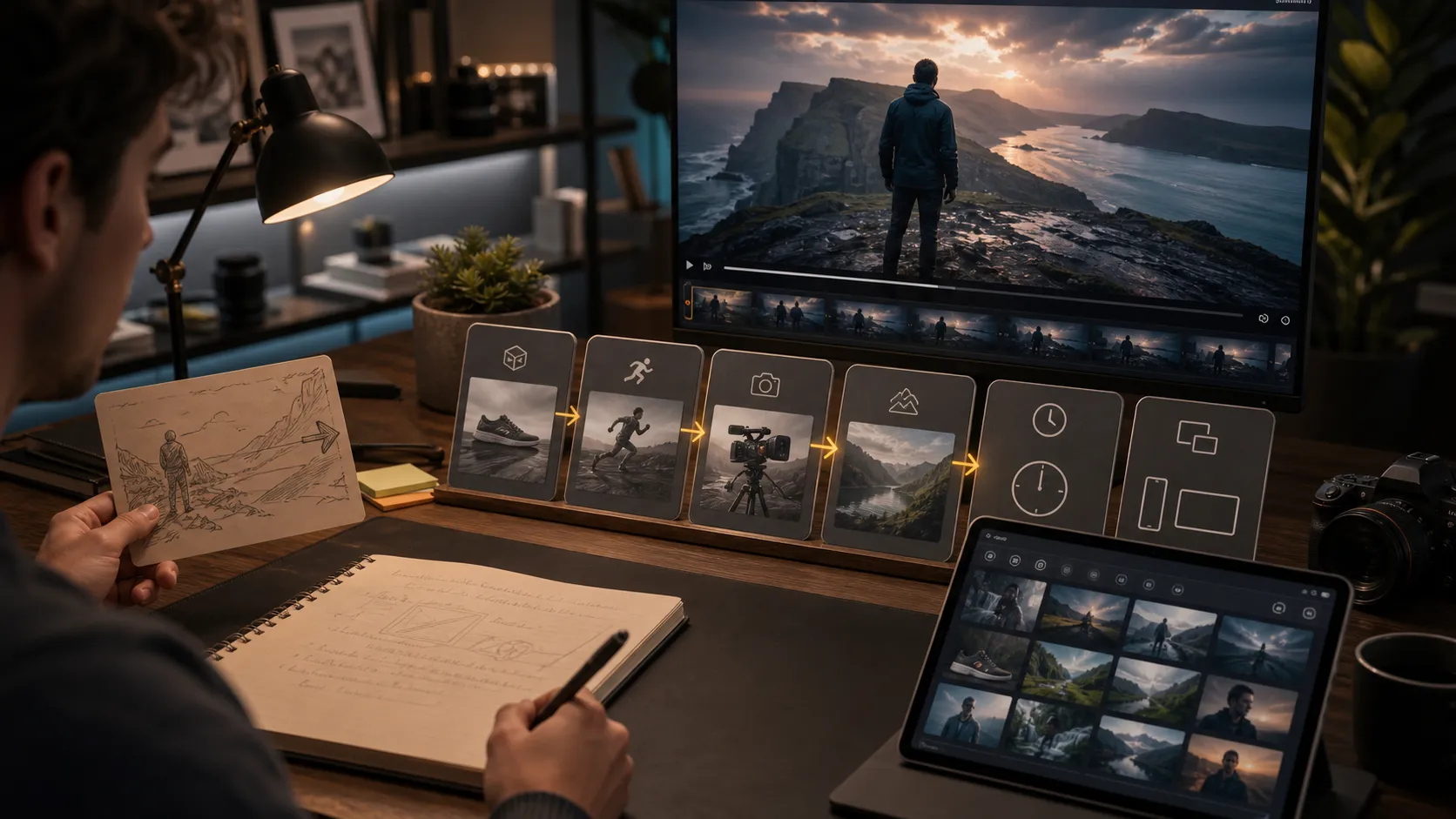
Turn a Rough Idea Into a Shot Brief
The most reliable way to improve a Gemini Omni draft prompt is to rewrite it as a shot brief. A shot brief does not need film-school language. It just makes the creative decision clear.
Start with a rough idea:
A coffee shop video with warm lighting.
Then add the missing layers:
A warm cinematic shot inside a small coffee shop at sunrise. A barista pours latte art into a ceramic cup while soft golden light enters through the window. The camera starts close on the milk swirl, then gently tilts up to reveal steam, wooden counters, and a quiet morning atmosphere. Cozy lifestyle commercial style, realistic motion, shallow depth of field.
This version gives Gemini Omni Video a complete visual path. It tells the model what to show first, what action happens, how the camera moves, and what emotion the clip should carry.
For more model and workflow entry points, browse the main AI video creation tools page. If you want to compare a different Google video workflow, you can also test related ideas in the Veo 3 video generator.
Use Image References When the Look Matters
Gemini Omni Video supports image-guided generation, which is useful when a prompt alone is not enough. Use image references when you care about a product shape, character vibe, composition, color palette, room layout, outfit, or visual identity.
A reference image should answer a specific visual question:
- What should the product look like?
- What should the character or outfit resemble?
- What is the intended mood or color palette?
- What composition should the video preserve?
- What location or environment should guide the scene?
Then write a prompt that explains how to animate or reinterpret the image:
Use the reference image as the main product and preserve its shape, color, and premium material feel. Create a slow cinematic reveal on a dark studio surface with soft rim lighting. The camera pushes in from a low angle while subtle reflections move across the product. Minimal background, polished commercial style.
This is stronger than uploading an image and writing "make this video." The prompt tells the model what to keep and what to change.
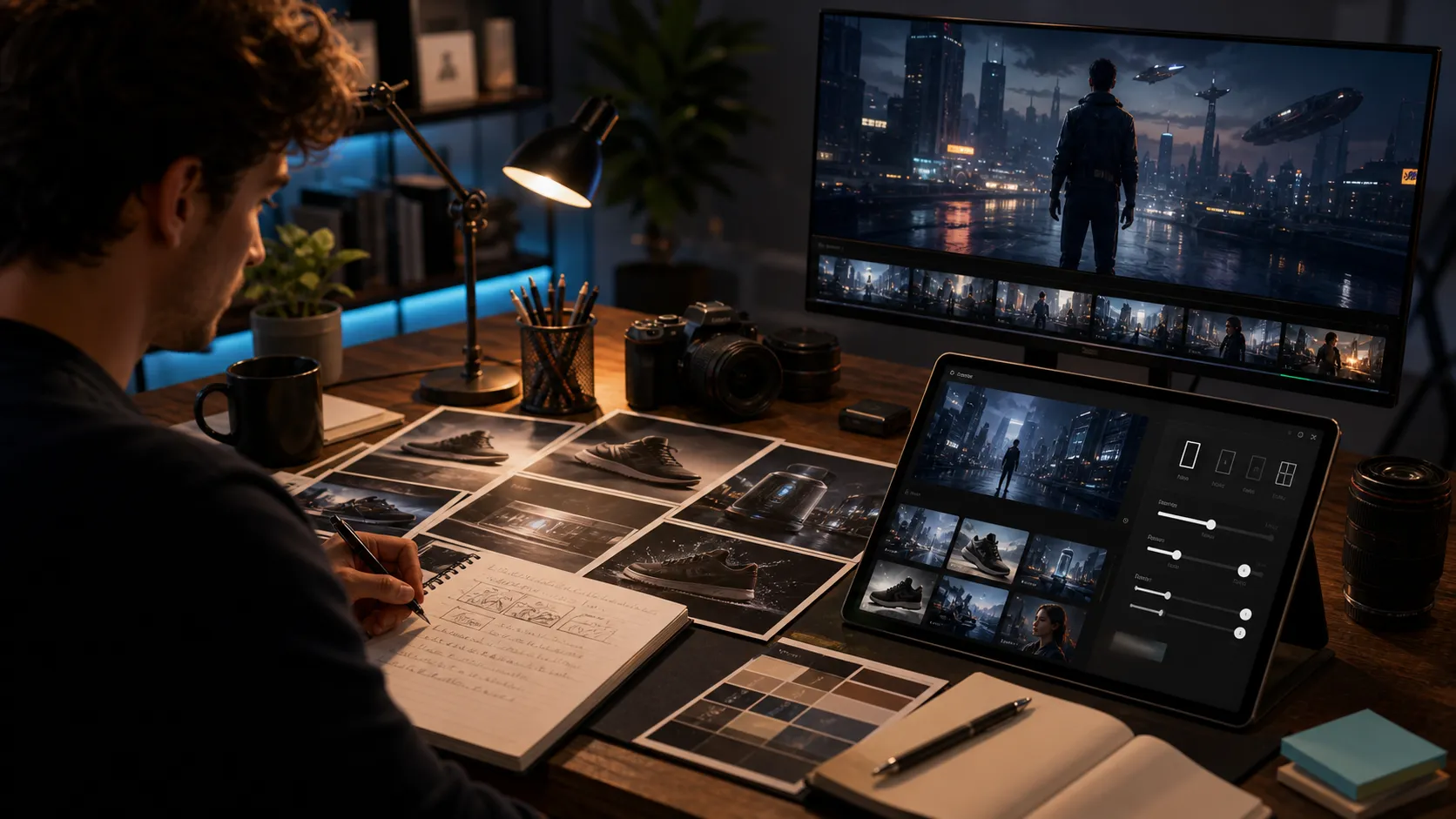
Match Duration to the Idea
Gemini Omni Video supports 4s, 6s, 8s, and 10s generations in the FlowVeo3 workflow. Use the duration as a creative constraint, not an afterthought.
| Duration | Best use | Prompt focus |
|---|---|---|
| 4s | One visual beat | A close-up, reveal, turn, glow, or quick motion |
| 6s | Short product or mood shot | One action plus a simple camera move |
| 8s | Balanced concept test | Setup, reveal, and a clear visual payoff |
| 10s | Fuller scene | A small sequence with one main subject |
If your prompt tries to include too many actions for the duration, the output may feel rushed. Short AI videos work best when one idea has room to breathe.
Choose Widescreen or Vertical Before You Write
Aspect ratio changes the prompt. A 16:9 widescreen clip can include more environment, lateral camera movement, and cinematic composition. A 9:16 vertical clip should usually focus on a central subject, stronger foreground action, and mobile-friendly framing.
The subject may be the same, but the direction changes. "A car driving through a wide mountain road at sunset" fits 16:9. "A vertical shot rising from the front wheel to the hood and windshield" fits 9:16. Put the intended format into the prompt when framing matters.
Clean Up Prompt Mistakes Before Generating
Many weak AI video prompts fail because they include too many competing instructions. Before you submit, scan your draft for these problems:
- Too many scenes in one clip.
- Conflicting styles, such as "documentary realistic cartoon fantasy."
- Vague camera language, such as "make it cinematic" with no shot direction.
- Unclear subject identity.
- Too many small objects that must remain consistent.
- A duration that is too short for the requested action.
Here is a messy draft:
A cool ad for a phone, futuristic, cinematic, funny, emotional, lots of people, fast camera, slow motion, city, beach, space, product close-up, make it viral.
Here is the same idea cleaned up:
A sleek 8-second product ad for a thin silver smartphone in a futuristic city at night. The camera starts on the glowing edge of the phone, rotates slowly to reveal the screen, then pulls back as neon reflections move across the glass. Premium tech commercial style, realistic lighting, smooth motion.
The cleaned version removes noise and gives the model one job.
A Reusable Gemini Omni Draft Prompt Template
Use this template when you are stuck:
A [style] video of [main subject] in [setting]. During the clip, [main action or change]. The camera [camera movement] and focuses on [important visual detail]. The mood is [emotion or atmosphere], with [lighting/color/material details]. Designed as a [16:9 widescreen / 9:16 vertical] [duration] clip for [use case].
Example:
A cinematic video of a ceramic perfume bottle on a marble counter in a softly lit boutique. During the clip, golden light passes through the bottle and reveals delicate reflections on the surface. The camera slowly pushes in from a low angle and focuses on the glass texture and cap detail. The mood is elegant and calm, with warm lighting and premium product styling. Designed as a 16:9 widescreen 8-second clip for a luxury product reveal.
This structure is easy to revise. Swap the subject, setting, camera, style, and format without rebuilding the whole prompt from scratch.
Quick Checklist Before You Submit
Before generating, make sure your Gemini Omni draft prompt answers these questions:
- What is the main subject?
- What happens during the clip?
- Where is the camera at the start?
- How does the camera move?
- What should stay consistent?
- What mood or style should the video have?
- Should the clip be 16:9 or 9:16?
- Is the selected duration enough time?
- Do you need image references?
- Is the prompt focused on one clear shot?
When the answer to each question is clear, the prompt is usually ready to test.
Final CTA
A good Gemini Omni draft prompt helps you think like a director before you generate. Start rough, rewrite the idea into a shot brief, choose the right duration and frame, then add image references only when they improve visual control.
Try your next prompt in the Gemini Omni Video Generator. If you want a lower-friction place to experiment with general AI video ideas first, you can also start with the free AI video generator.
FAQ
What is the best Gemini Omni draft prompt format?
The best format includes subject, action, camera movement, setting, style, timing, and aspect ratio. A short prompt can work, but a structured shot brief usually gives the model clearer direction.
Should I use image references with every Gemini Omni Video prompt?
No. Use image references when visual identity matters, such as a product, outfit, character look, room style, or composition. For broad concept testing, a strong text prompt may be enough.
How long should a Gemini Omni Video prompt be?
Most useful prompts are one focused paragraph. They should be specific, but not overloaded with unrelated scenes, conflicting styles, or too many actions for the selected duration.
Is 9:16 or 16:9 better for AI video prompts?
Use 9:16 for mobile-first social clips and centered subjects. Use 16:9 for cinematic shots, wider environments, product reveals, and web or presentation use.
How do I improve a weak AI video draft prompt?
Rewrite it as a shot brief. Add the main subject, the action, the camera movement, the environment, the mood, and the intended format. Then remove any instruction that does not help the clip.